
Still library
Screenshots & artwork
A single gallery of interface captures and product visuals. Everything loads from this domain so previews stay reliable and you are not bounced to outside image hosts.
Why it matters
Stills and video on this site avoid broken hotlinks, mixed-content warnings, and privacy surprises from third-party media hosts.
How to read this gallery
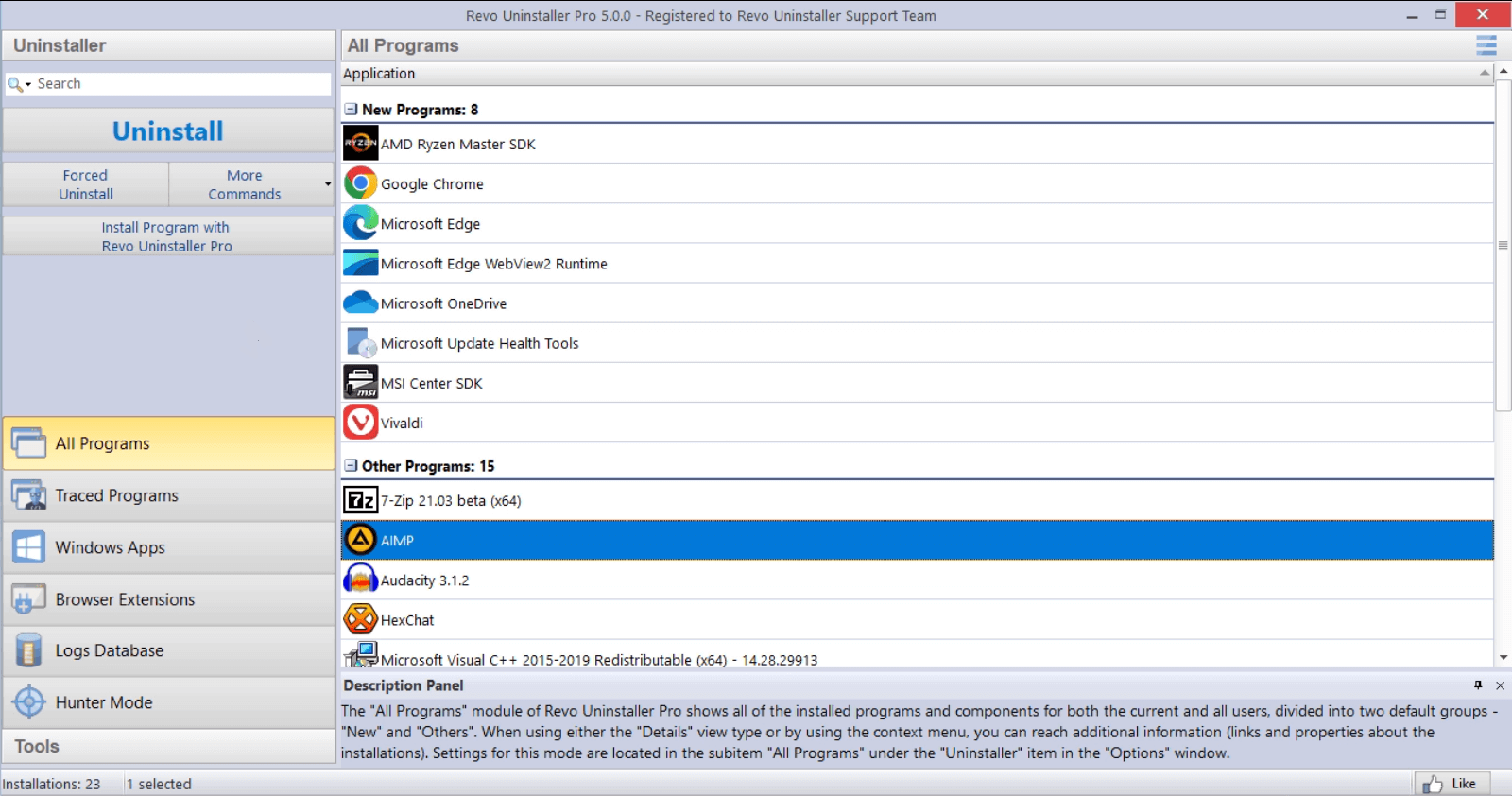
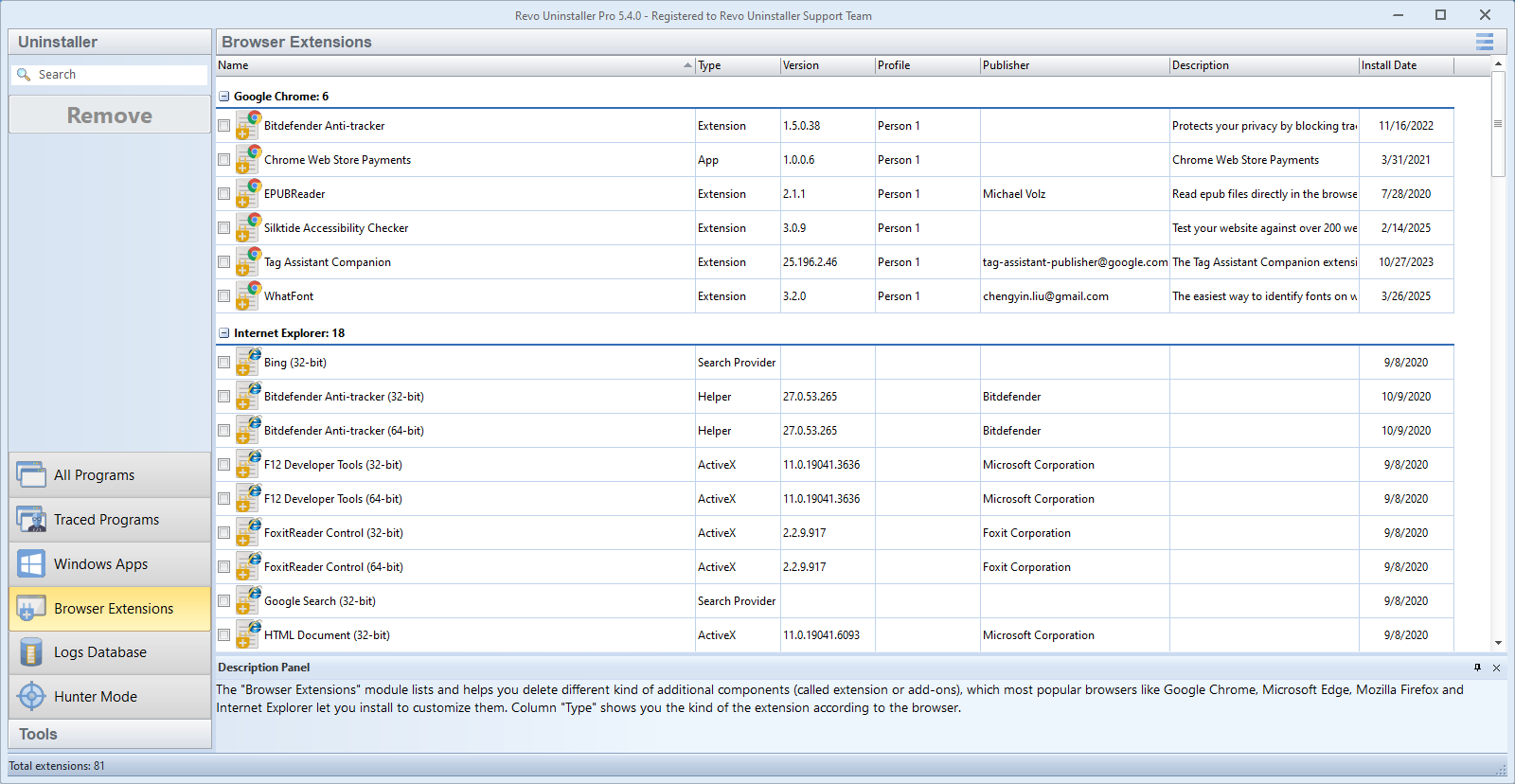
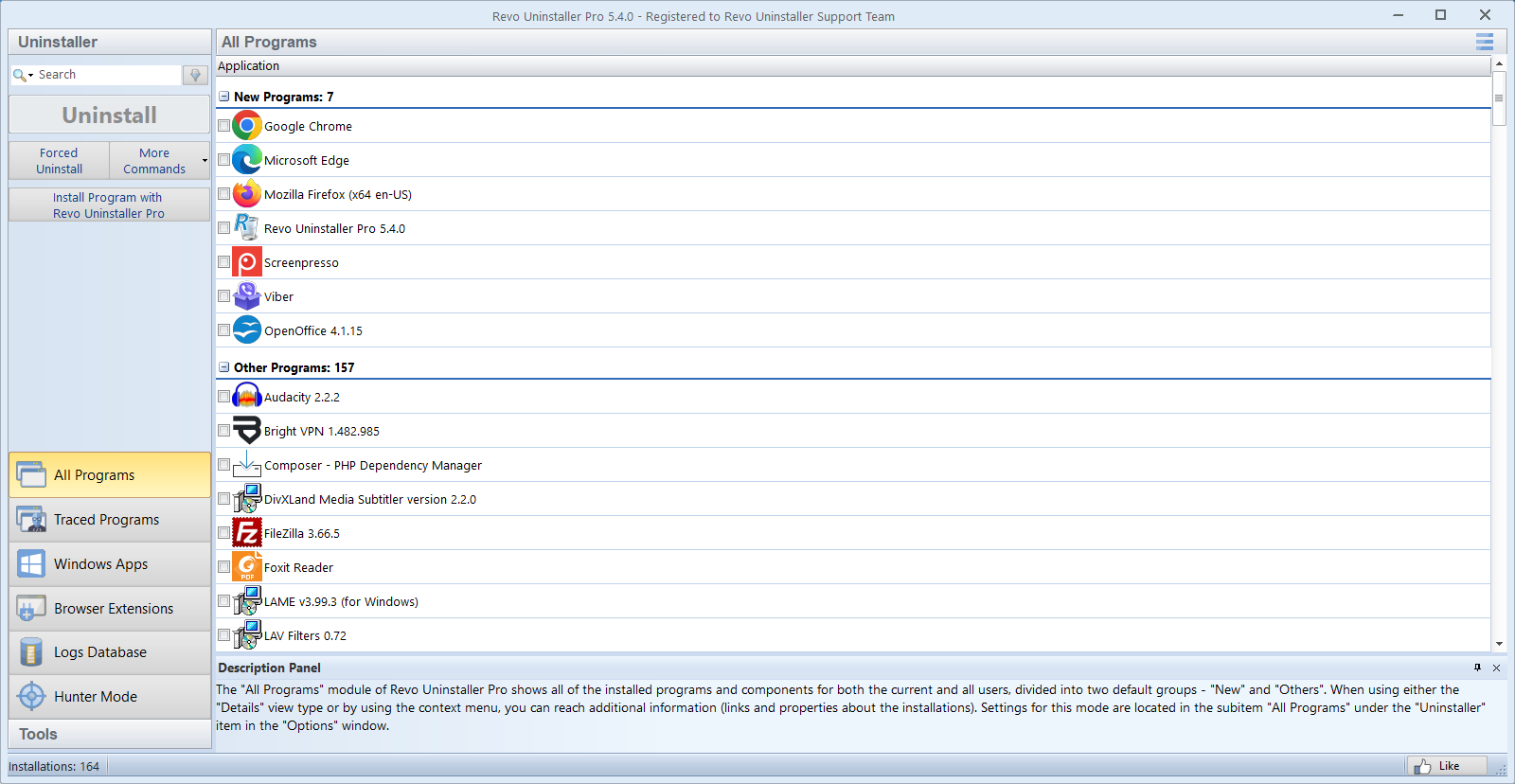
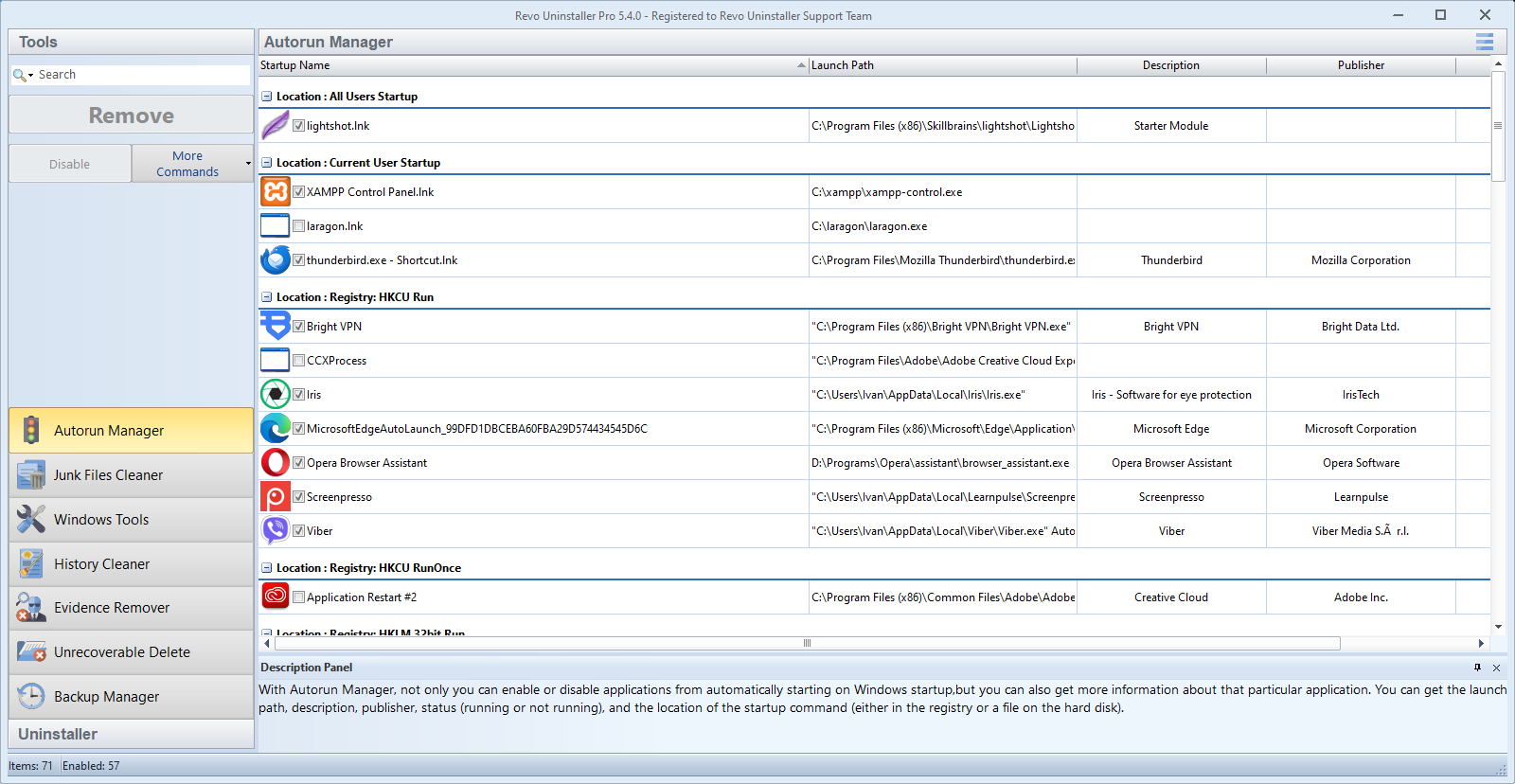
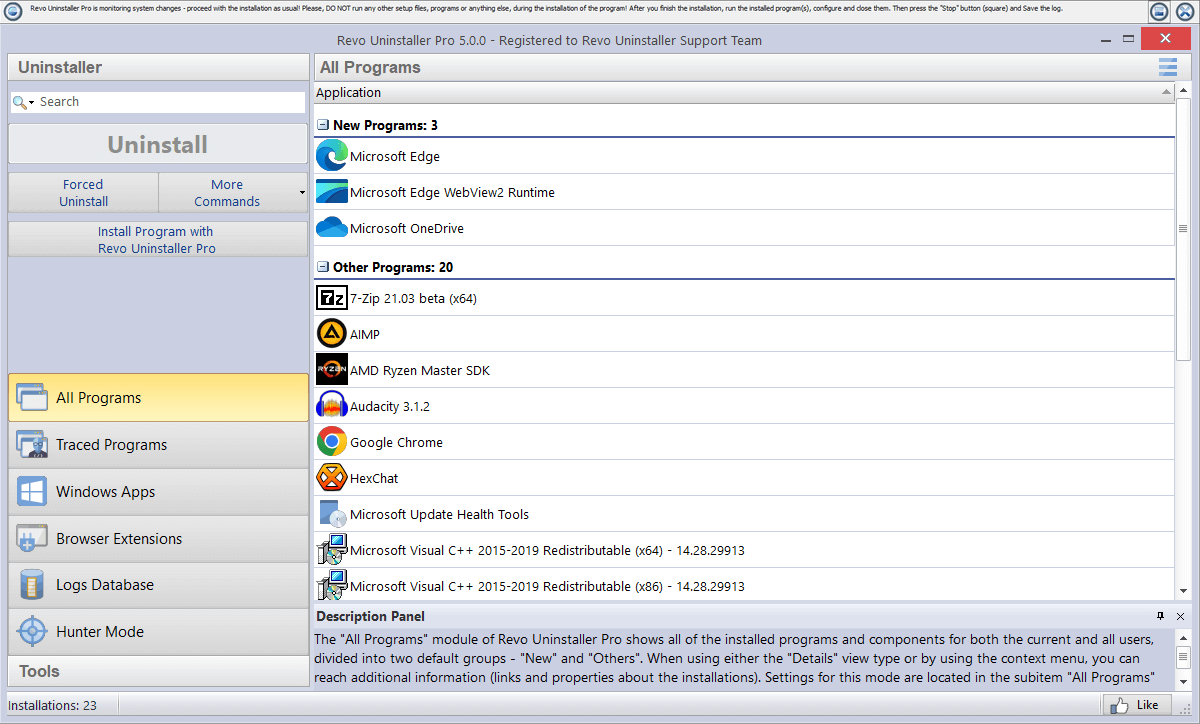
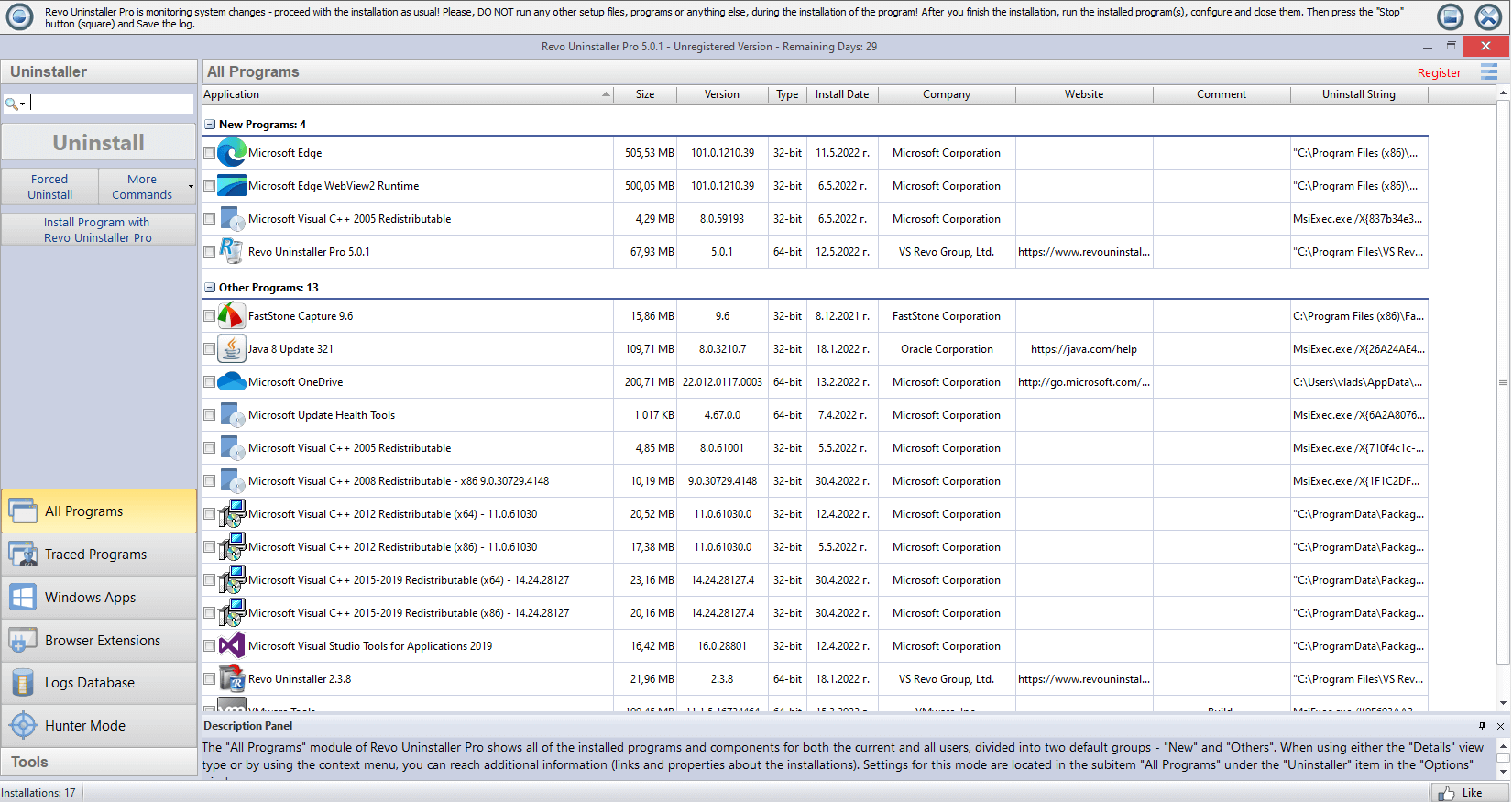
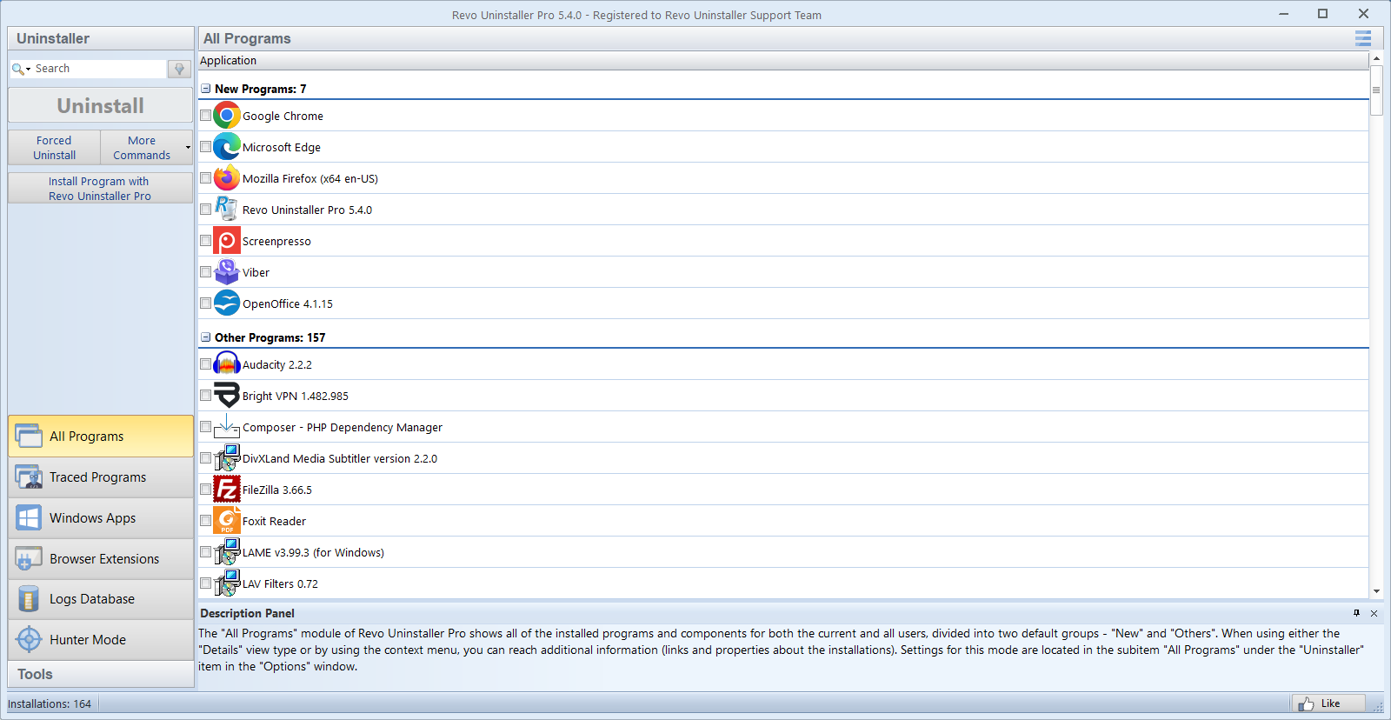
Captions describe what you are looking at in plain language: main list, comparison with Windows tools, walkthrough steps, and cleanup context. Each tile is labeled so screen-reader users and sighted readers get the same story.
Well-compressed PNG or WebP keeps UI screenshots sharp without oversized downloads; matching aspect ratios to the tiles prevents awkward crops on small screens.
Quality tips
- Export PNG or WebP at a comfortable width (often around 1200–1600px for large hero-style shots).
- For embedded video, H.264 in MP4 plays almost everywhere; a shorter clip helps on slow connections.
- Test from a real network: some workplaces block large downloads, which looks like a broken player.
- Serve pages over normal HTTPS (or a local dev server); opening raw files from disk can block media in some browsers.
Video
Demo clips
The player tries a full tour first, then shorter fallbacks if the browser needs a lighter file. The poster frame matches the Pro interface still used elsewhere on the site.
The browser tries sources in order until one loads. That lets you ship a long demo plus a lightweight clip for slow connections without changing the surrounding markup.
- Ideal for walkthroughs: navigating the program list, starting an uninstall, and opening leftover results.
- Keep audio levels modest if you narrate; many visitors preview on laptop speakers.
- Pair with the Home gallery when you want stills and motion on the same topic.
No compatible demo clip loaded. Check the Media page later or use Download for the installer.
If nothing plays
- Refresh once; some browsers only attach the decoder after the first tap on play.
- Very high bit-rate 4K files may stutter on older laptops; 1080p H.264 is kinder to weak Wi‑Fi.
- See Download if you need the installer while the clip will not start.
- Corporate networks sometimes block video streams; try another connection if the spinner never finishes.